How to Migrate a Website to VPS with Minimal Downtime
Moving a site is more complicated than copying files and changing DNS, especially when customers continue placing orders or submitting forms. The real danger is losing changes that occur between the first database export and the final cutover. A good migration plan protects data consistency while keeping disruption short.
Prepare the Destination Environment
Inventory website files, databases, cron jobs, email, subdomains, SSL certificates, and DNS records. Create independent backups and confirm they can be restored. Lowering DNS TTL a day or two ahead of the change can reduce cache persistence. Provision VPS plans and install compatible versions of the application stack.
Copy and Test Before Switching Traffic
Transfer files through SFTP or rsync, and import a controlled database export. Update credentials, permissions, and application configuration on the new instance. For a database-heavy store, benchmark NVMe VPS plans before production cutover rather than judging capacity by disk size alone.
Test the new site using a local hosts-file override or a staging hostname with correct TLS. Check login, checkout, contact forms, file uploads, mail, webhooks, and scheduled tasks. A working homepage does not establish that all business processes are healthy.
The Final Cutover Sequence
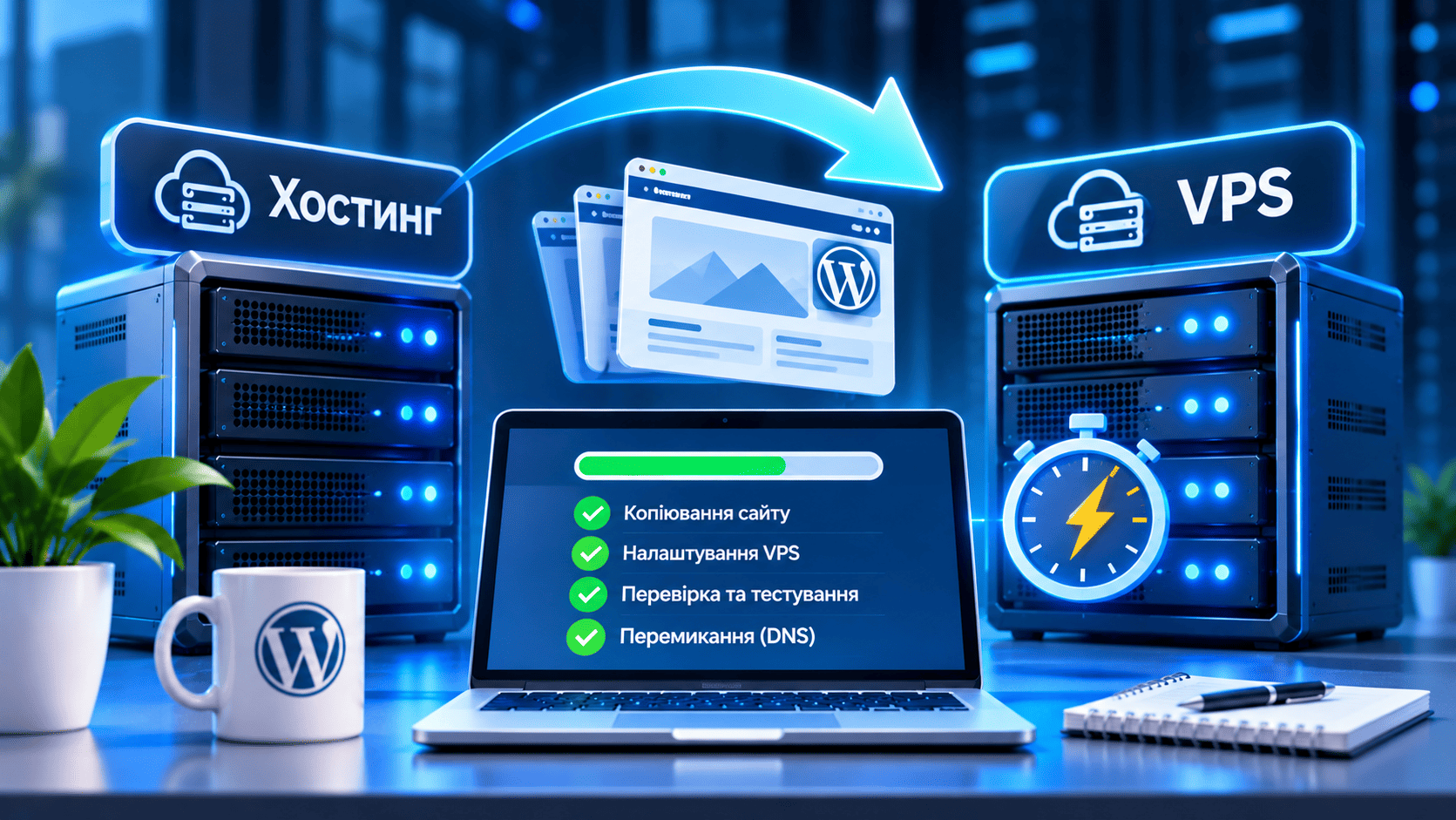
- Select a quieter period and communicate the maintenance window.
- For databases receiving writes, arrange replication or a short read-only window for the final sync.
- Move the latest records and uploaded files, then verify their integrity.
- Change DNS and monitor logs and health checks on both environments.
- Keep the old hosting account until the migration is demonstrably complete.
True zero-downtime migration requires additional application and data architecture. DNS resolvers can cache old answers, and clients may hold active sessions, so you must know how writes are handled during the transition.
When a Dedicated Server Is Worth Considering
A permanently heavy workload may justify comparing VPS economics with dedicated servers. For many websites, however, a correctly configured virtual server is simpler to scale and migrate.
Treat DNS cutover as the last step, not the whole migration. Tested backups, realistic functional checks, and controlled final synchronization are the safeguards that matter most.
Migration Questions That Matter
Why is lowering DNS TTL not enough?
A shorter TTL may help clients refresh DNS answers sooner, but it does not synchronize databases or close existing connections. Some visitors can still reach the old address after cutover. You need an explicit plan for data writes, active sessions, and monitoring both environments during the transition.
How should you handle payment callbacks and webhooks?
Audit callback URLs, payment-provider credentials, and event retry behavior. A payment confirmation received by the old instance after the database export may never appear in the destination database. Idempotent event handling and reliable logs are especially valuable during migration.
When can the old hosting account be removed?
Wait until DNS answers, web traffic, data consistency, email, and third-party integrations are verified. Confirm that no new records are being written on the old system. Preserve an independent final backup before shutting it down, rather than deleting the original environment immediately after DNS changes.
