VPS, Servers & Hosting Blog

Practical articles about VPS, dedicated servers, Linux, hosting, and networking technologies. Learn how to choose and configure a server, work with Linux, Docker, DNS, SSL, IPv4 and IPv6, troubleshoot network issues, and secure your server infrastructure.

The ForceVPS blog features guides, comparisons, and technical articles for website owners, system administrators, and developers. No unnecessary theory: VPS configuration, performance optimization, security, networking, and practical solutions for real-world server tasks.
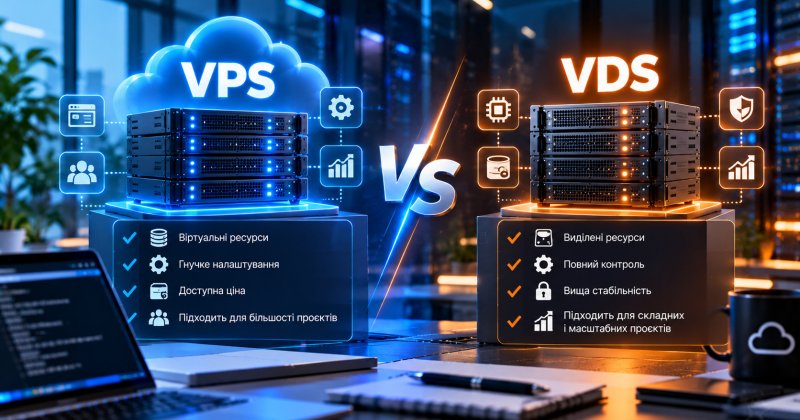
VPS vs VDS: What’s the Difference and Which One Should You Choose?

VPS and VDS are two names for the same technology: a virtual server that receives a dedicated portion of a physical machine’s resources and operates independently from other virtual machines running on the same hardware.

The only...

How to Connect to a VPS via SSH: Step-by-Step Guide

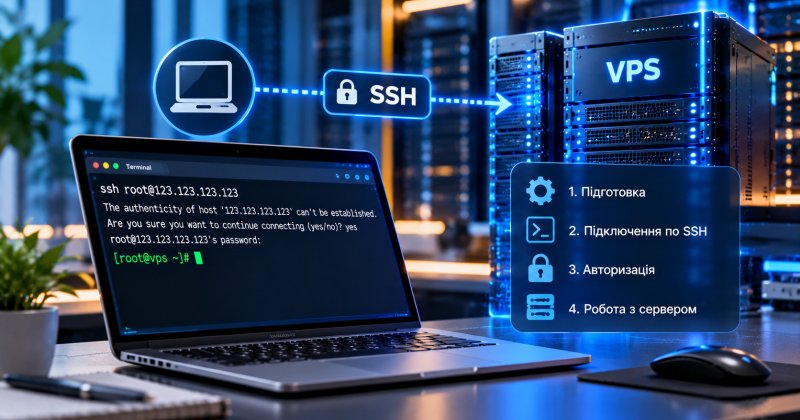
To connect to a VPS via SSH, you need the server IP address, a username, and either a password or an SSH key. On Windows, you can connect through Terminal or PuTTY. On macOS and Linux, use the built-in terminal with the command ssh root@IP_address. After entering the password, you will access the...

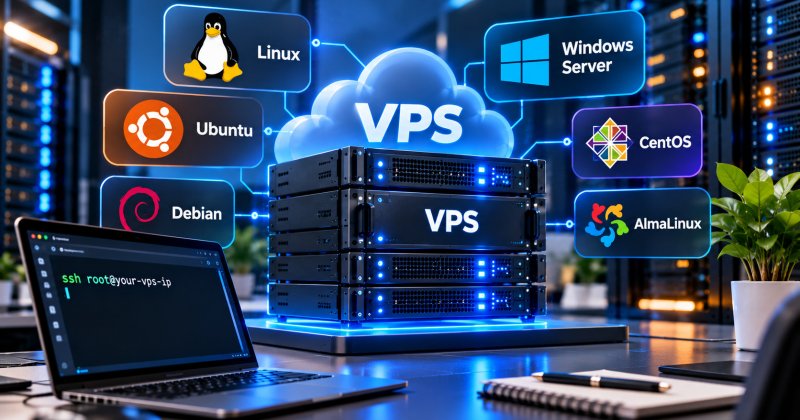
Which Operating System Should You Choose for a VPS?

For most websites and server-related tasks, Linux — especially Ubuntu or Debian — is usually the better choice: it is free, stable, and well documented. Windows Server is typically chosen when a project requires specific Windows applications, RDP access, or technologies such as .NET and MS SQL. The...

How to Configure a VPS After Purchase: The First 10 Steps

After purchasing a VPS, it is important to complete the basic security and environment setup: connect via SSH, update the system, create a separate user, configure SSH keys and a firewall, install the required software, and set up backups. This usually takes around 20–30 minutes and helps eliminate...

VPS vs VDS: What’s the Difference and Which Is Better?

VPS vs VDS: What’s the Difference and Which One Should You Choose?

VPS and VDS are two names for the same technology: a virtual server that receives a dedicated share of a physical machine’s resources and operates independently from other virtual machines running on the same hardware. The differen...

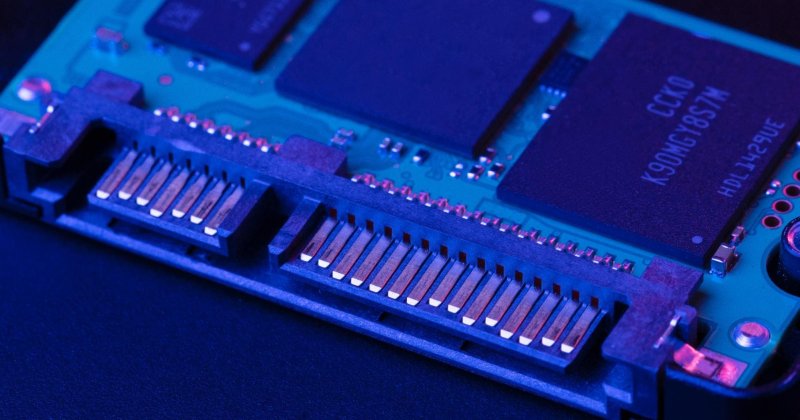
SSD or NVMe for VPS: What’s the Difference and Which Should You Choose?

What Is an SSD?

SSD (Solid State Drive) is a storage device that uses flash memory to store data. Unlike traditional HDDs, SSDs have no mechanical components, spinning disks, or moving read/write heads.

This allows SSDs to provide faster read and write speeds, lower latency, and significantly mo...

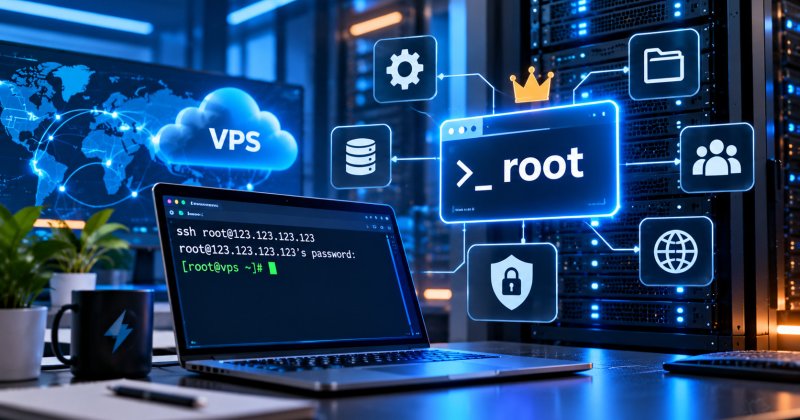
What Is Root Access and Why Do You Need It on a VPS?

Root access refers to superuser privileges in Linux that provide full control over the server: installing any software, changing system settings, managing users, and configuring network rules. On a VPS, root access is usually provided by default, unlike shared hosting, where server administration is...

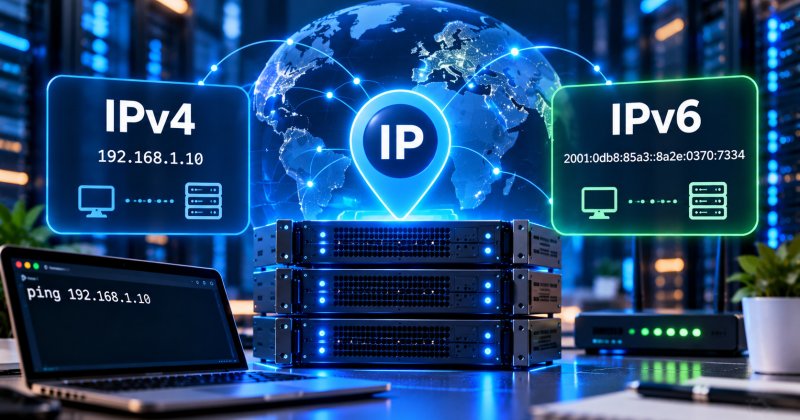
What Is a Server IP Address: IPv4 vs IPv6 Explained

A server IP address is a unique numerical identifier that allows devices on the internet to find the server and exchange data with it. IPv4 uses addresses such as 192.0.2.1 and has a total pool of about 4.3 billion addresses, which has already been exhausted, while IPv6 uses addresses such as 200...

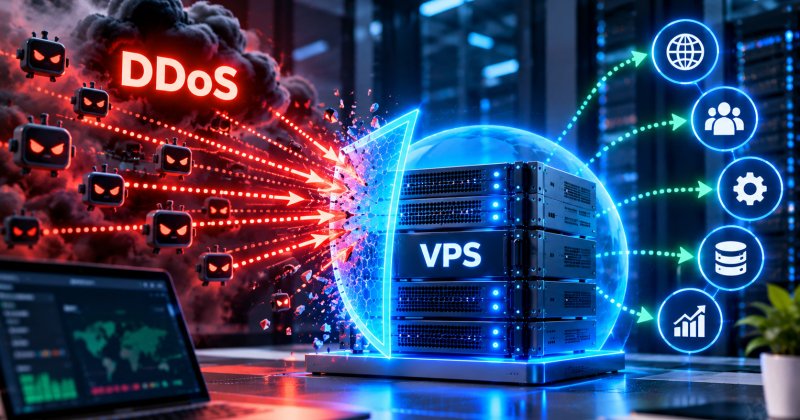
What Is a DDoS Attack and How to Protect a VPS

A DDoS attack (Distributed Denial of Service) is a distributed attack in which a server is flooded with traffic from thousands of devices at the same time in order to make it unavailable to legitimate users or take it offline completely. Protection should be built in several layers: traffic filterin...

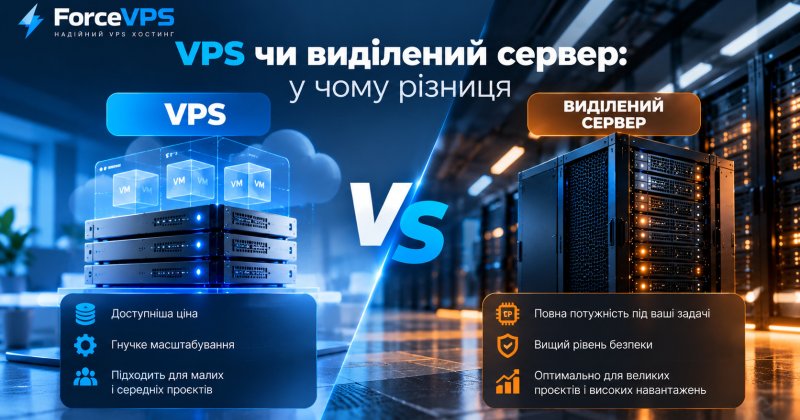
VPS vs Dedicated Server: What’s the Difference and Which Is Better?

A VPS is a virtual machine running on a shared physical server with a guaranteed share of resources, while a dedicated server is a separate physical machine assigned entirely to one customer. A VPS is more affordable and easier to scale, while a dedicated server provides maximum and predictable perf...

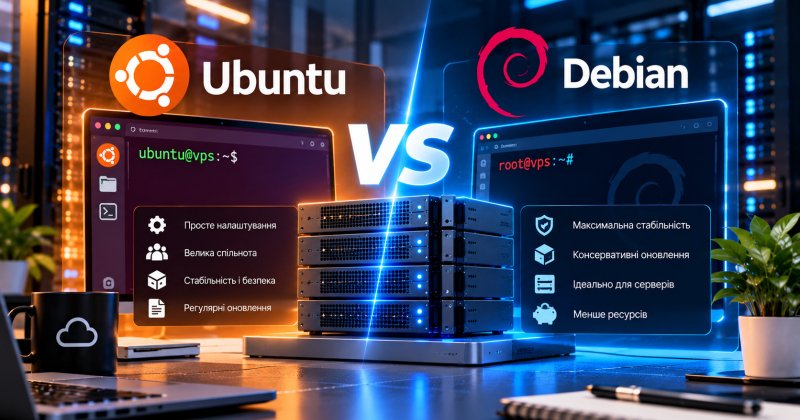
Ubuntu vs Debian for VPS: Which One Should You Choose?

Ubuntu is generally better suited for beginners thanks to its extensive documentation and newer package versions, while Debian is valued for maximum stability and predictability on production servers. Both distributions are free, share the same foundation, and work well on VPS hosting — the choice u...

VPS or Shared Hosting: Which One Should You Choose for Your Website?

Shared hosting is suitable for small websites with relatively low traffic, where server resources are shared between customers and no custom server configuration is required. VPS is a better choice when you need guaranteed CPU an...

How Much RAM Does a VPS Need: How to Choose the Right Amount of Memory

What Is RAM in a VPS?

RAM (Random Access Memory) is the server memory used by the operating system and running applications to temporarily store active data.

On a VPS, RAM is used by almost every major component of the system:

  • the operating system;
  • Nginx or Apache web server;
  • PHP process...
How Much CPU, RAM, and Storage Does a VPS Need?

How Many Resources Does a VPS Need?

Choosing a VPS is not simply a matter of ordering the server with the most CPU cores or RAM. The required configuration depends on the software, number of users, website traffic, database size, and type of workload.

A small website or personal VPN may need onl...